Balance your time and tasks, and keep track of it all

Planning without the headache
Plan days and weeks in advance. Then drag, drop and done. Tasks are completed and time is tracked. Not a timesheet in sight.
Built in flexibility for constant change
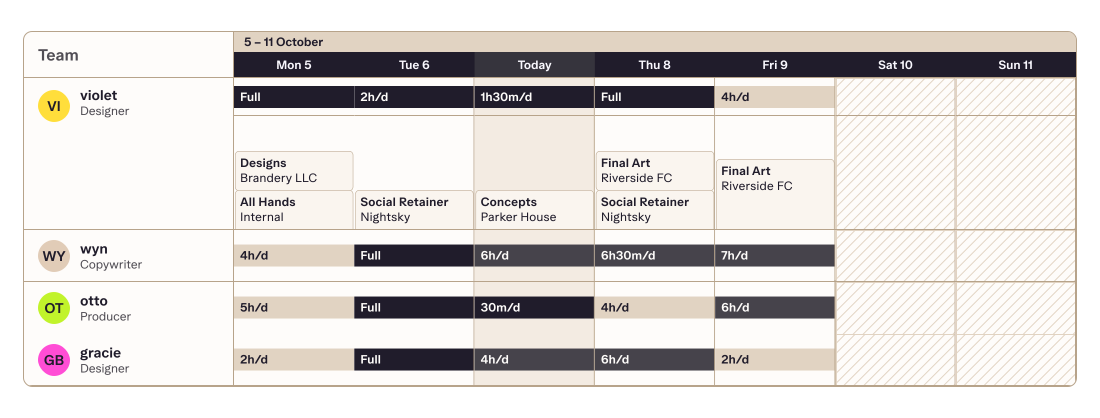
Shift tasks between teammates, stretch or shrink time blocks, or reassign work. All while everything stays in sync with their to-do lists and the schedule. No doubling up or missing out.
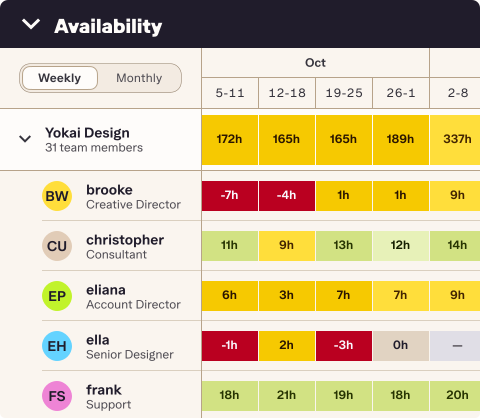
Availability at a glance
Can we take on that job?
Who's going to be free next month?
Do we need to hire a freelancer?
See a heat map of your team's upcoming availability, broken down by role, team member, or branch. Make those hiring or scheduling decisions confidently.

Reporting
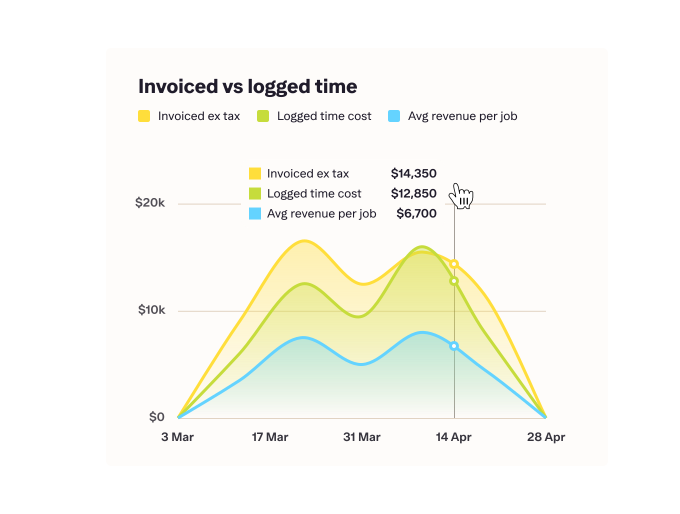
Get real-time insights — from utilisation to profitability and job cost recovery. Filter, customise, create formulas, and export reports with a click.
Quoting and invoicing
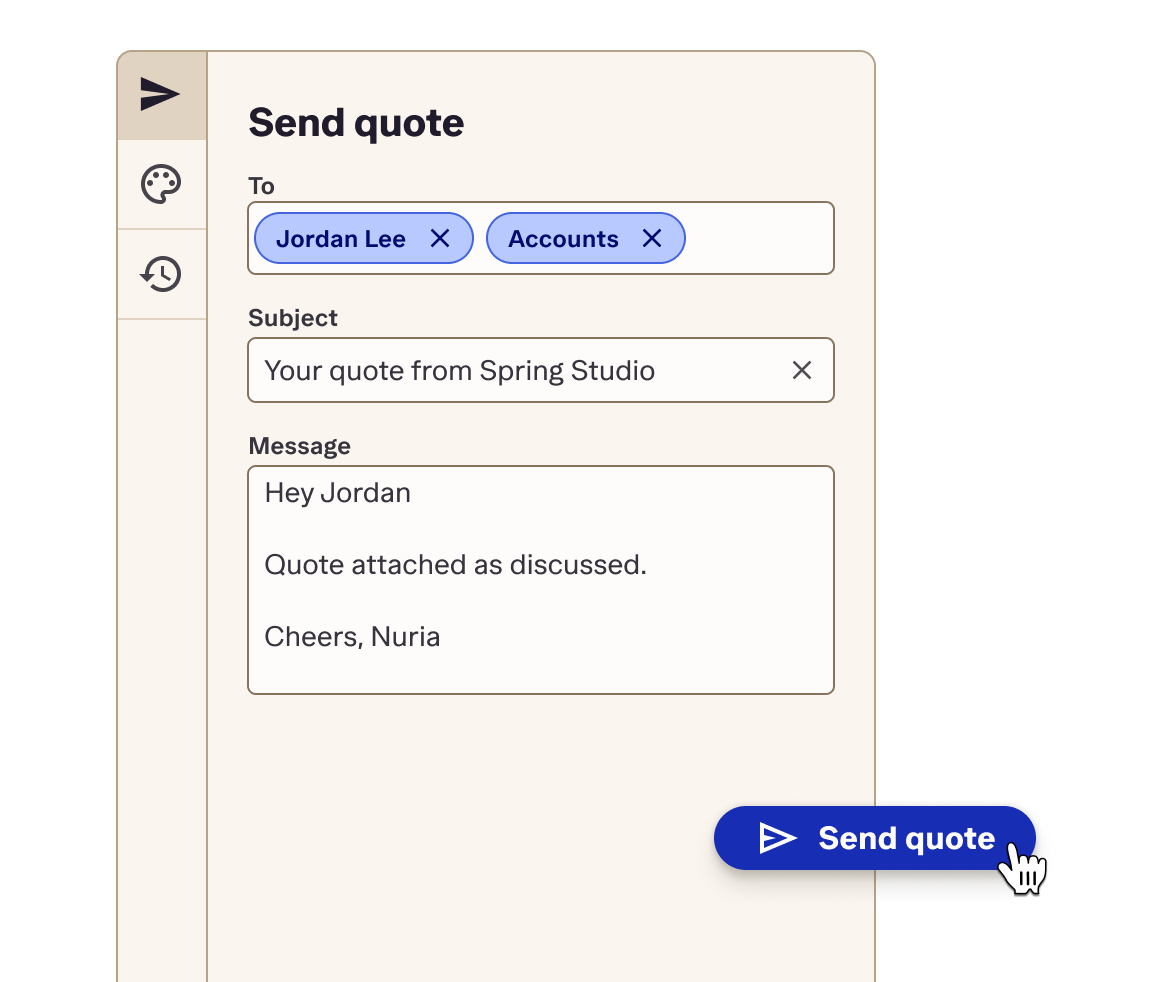
Turn job plans into quotes and invoices; with everything, even expenses, rolled into one accurate bill.
Kanban
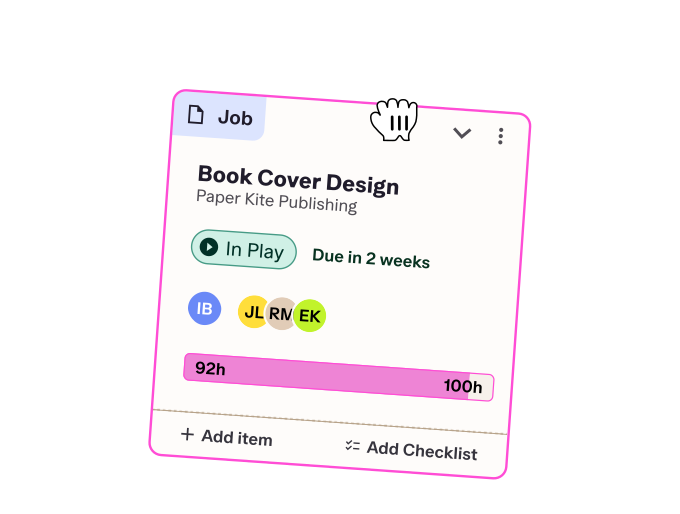
Balance pipeline, priorities, and peace of mind in a Kanban board. Track your progress through every job stage with visible sell totals and status.
Integrations

Connect Streamtime to the rest of your operations
iOS App

Take your tasks and to dos with you
Collaboration
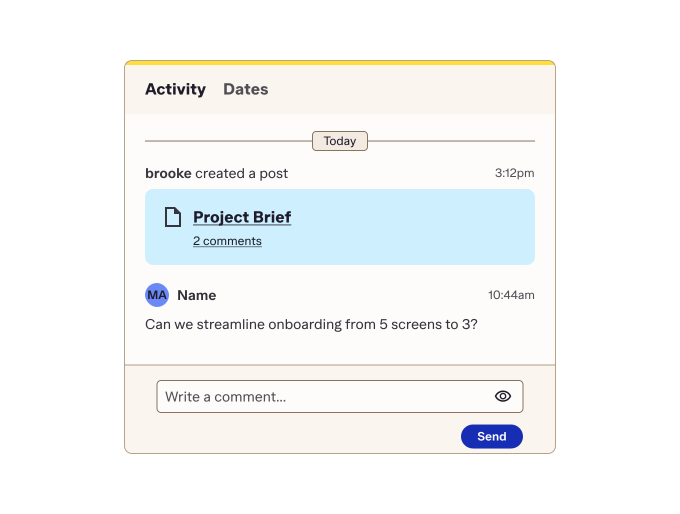
Align your team with job posts. Updates, links, and key info — all in one place, right where the action is.
Happiness Coach
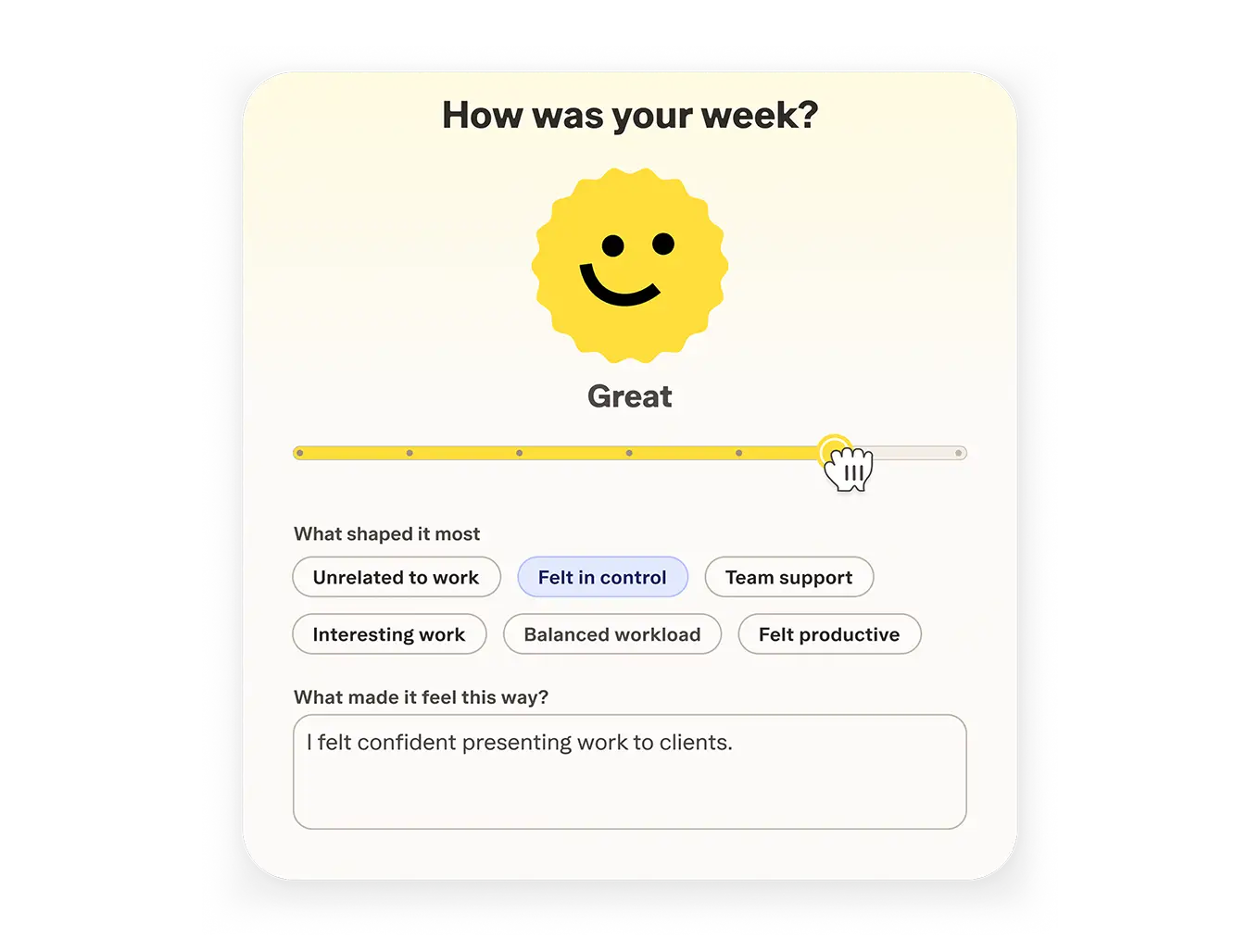
Quick emoji check-ins and SMART-based reflections help you turn team feelings into business insights.
Project planning
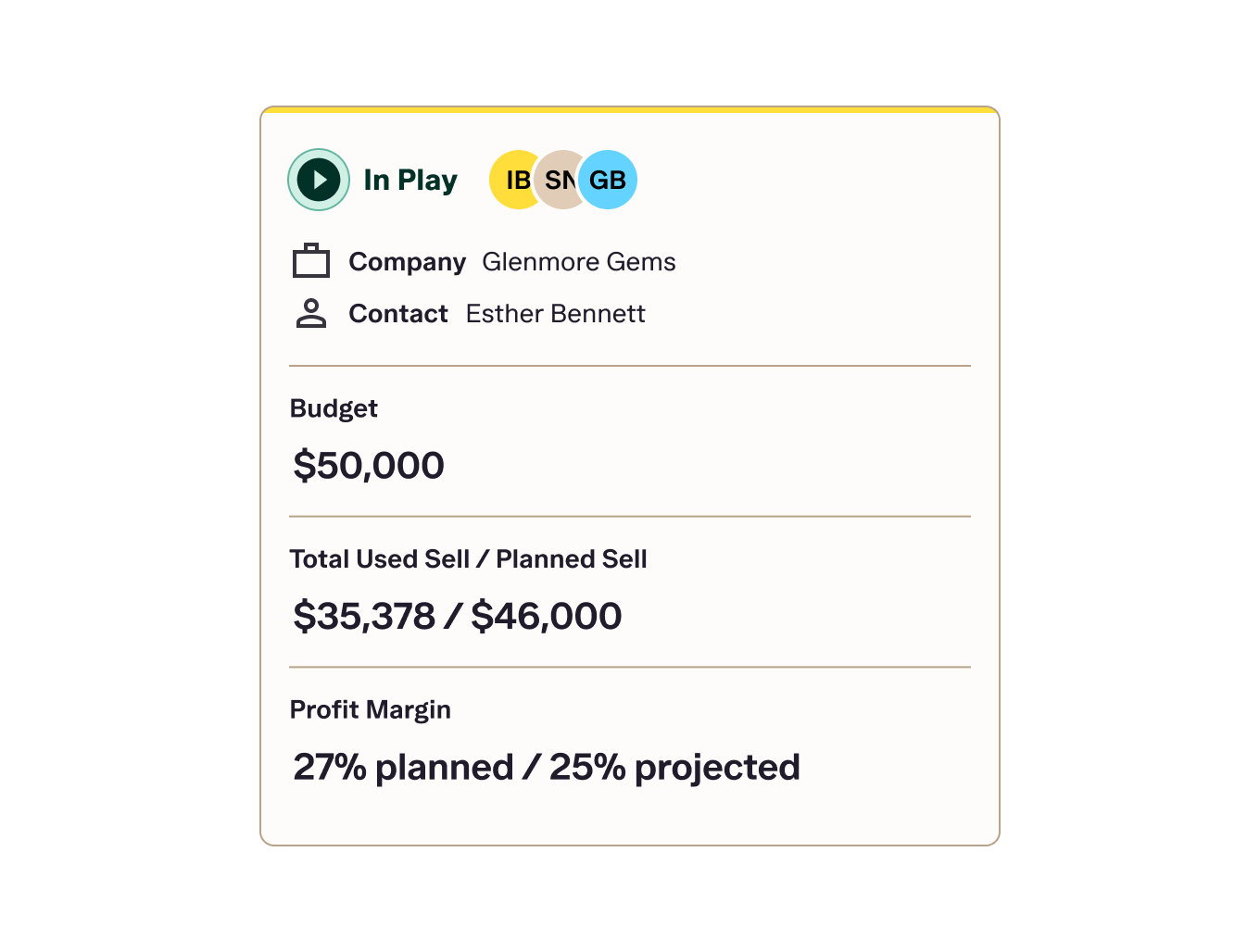
Setup projects and see everything you need in seconds.
Time tracking and scheduling
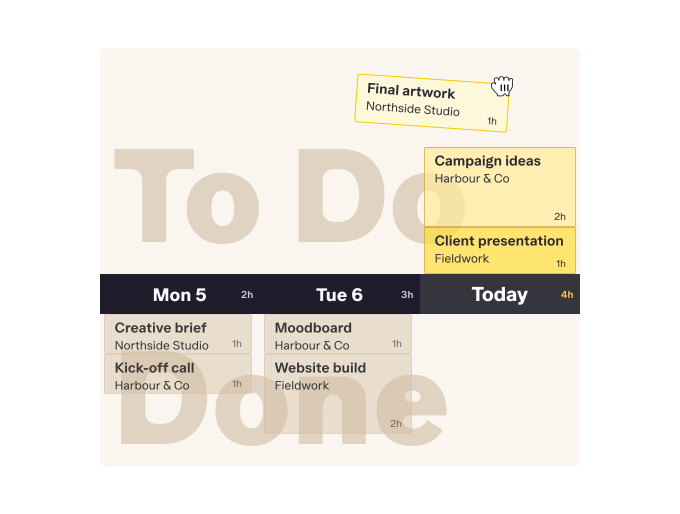
Plan time with drag-and-drop ease. See availability, including unscheduled hours, without the timesheets.